blob: 08cbde90598b2526d2fe57def337894810dfe288 (
plain)
1
2
3
4
5
6
7
8
9
10
11
12
13
14
15
16
17
18
19
20
21
22
23
24
25
26
27
|
# Getting started with Spyder
In this tutorial we will cover the basics of the Spyder IDE (Interactive Development Environment). If you've ever worked with MATLAB before, then this will feel familiar. Spyder is a program
## Launching Spyder
Using Anaconda we will select the environment we created earlier *spyder-dev*.
## Spyder Interface
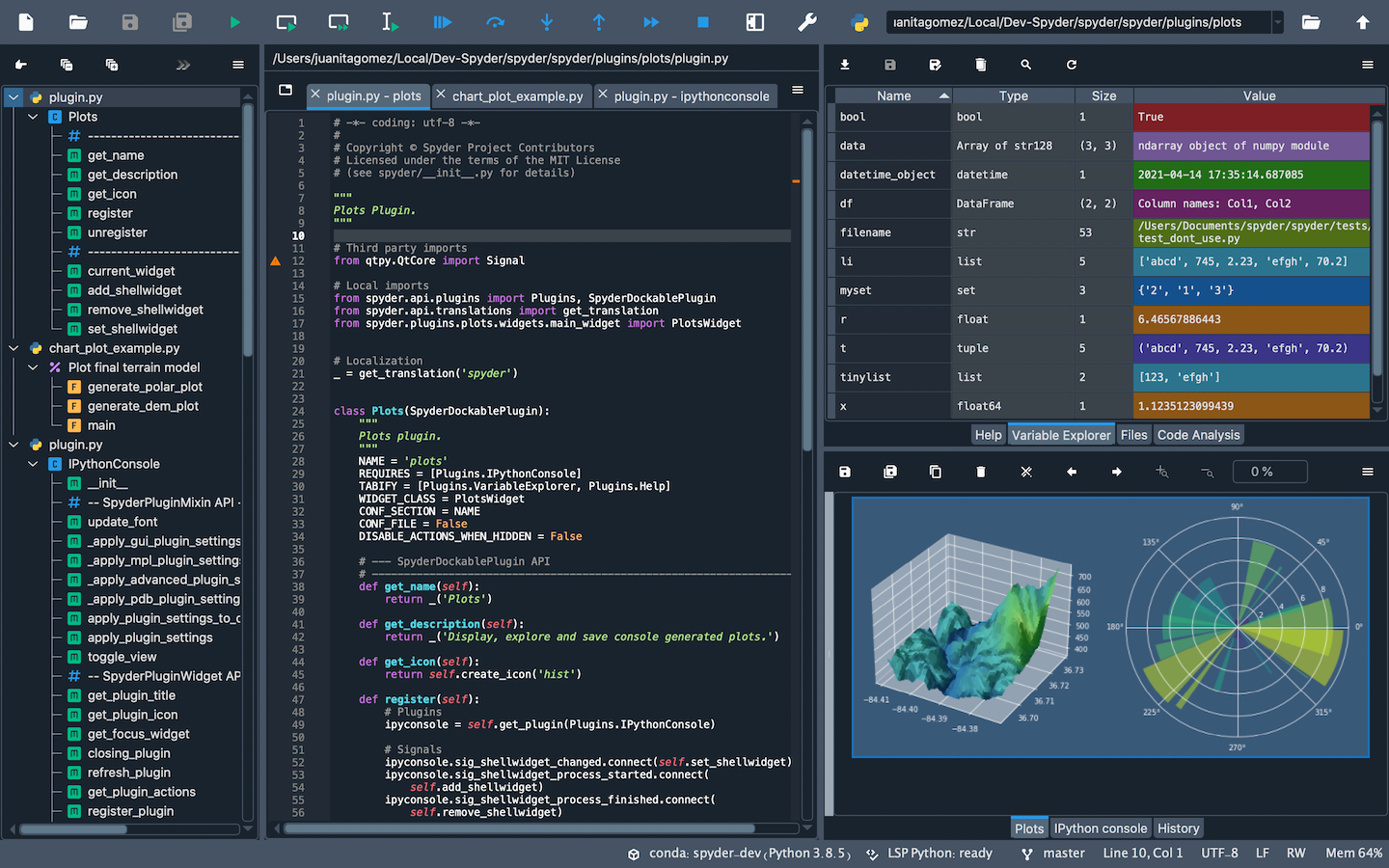
Once you open up Spyder in it's default configuration, you'll see three sections; the editor IPython Console, Help viewer. You can customize the interface to suit your prefference and needs some of which include, rearrange, undock, hide panes. Feel free to set up Spyder as you like.
### Editor
This pane is used to write and save scripts.
### IPython Console
This pane allows you to run commands, functions, do math computations and assign variables.
### Variable Explorer
This pane shows all the variables stored once you've
### Help Viewer
|
